Course Matrix
Overview
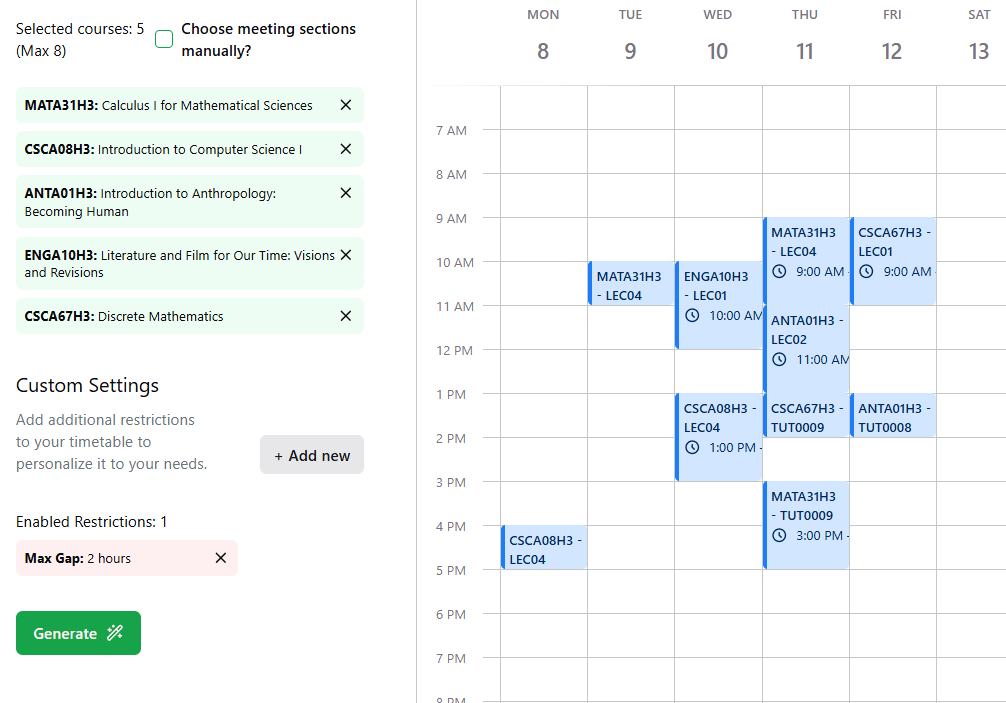
Course Matrix is an intelligent course timetable builder that generates an optimal timetable for students based on a specific set of time/day restrictions. It also exposes an AI agent that easily translates complex requirements into personalized timetables.
 I built out the AI infrastructure behind this project. It’s composed of the following:
- Pinecone to store vectorized indices of course info (code, prof, description etc) and offering info (semester, timeslot, remote/in-person etc)
- LangChain to orchestrate the RAG pipeline
- Vercel AI SDK to handle text streaming
- assistant-ui to bring a chat/thread based UX to the app and to store conversations
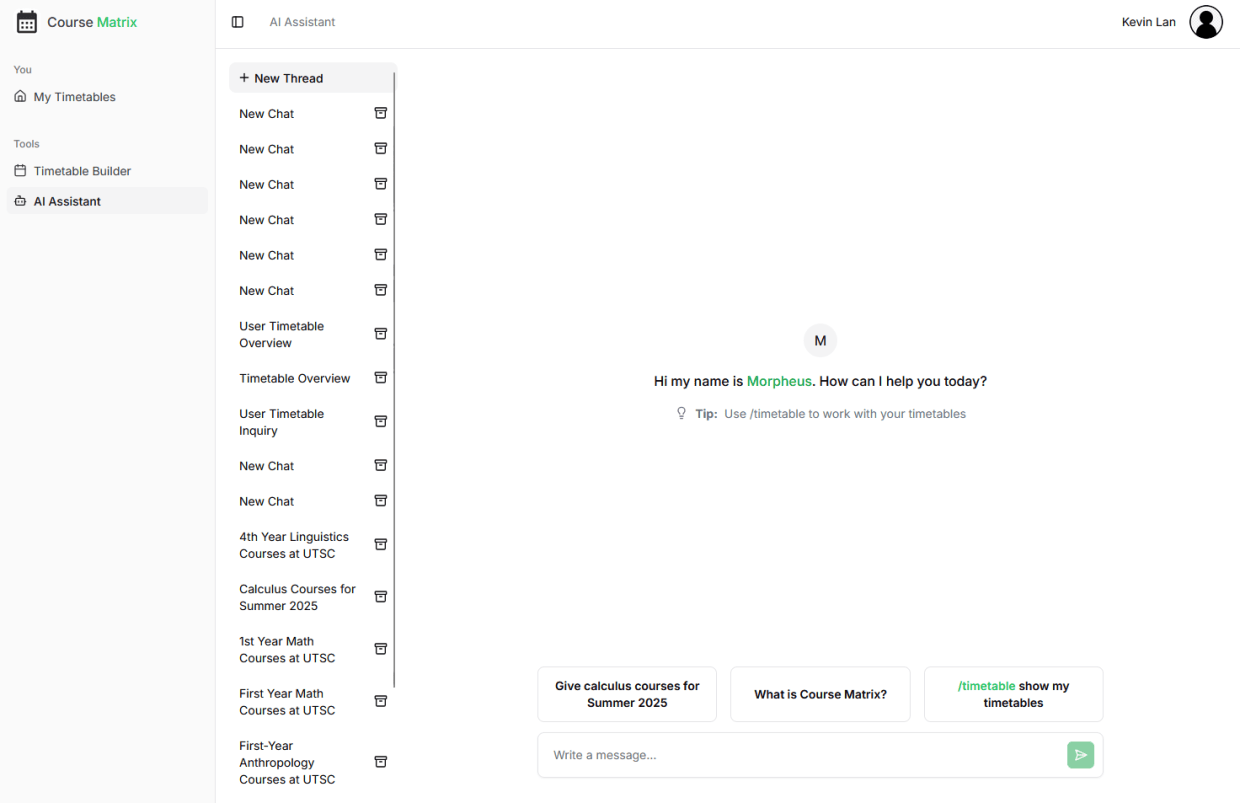
ChatGPT-like UX
I added a lot of functionality to the client-side experience when interacting with the chatbot. The app supports SSE-based text streaming, multiple conversations, thread branching, message edit + resend, message copying, and more. Conversation threads are persisted to assistant-ui cloud.
Agent Pipeline
A major goal of ours was to provide an AI agent that balanced speed and response quality. I tested various approaches and ended up with a dual-mode chat flow, with one mode being question & answer based (e.g., “What 3rd year math courses can I take in Winter 2026 that satisfy my degree requirements?”) and the other being action-based (e.g., “Generate me a timetable that follows these criteria: X, Y, Z.”).
Pipeline steps:
- Determine Mode: Mode is determined by the query prefix. In the UI, the user is prompted to use the command
/timetableto trigger the agentic flow in which leverages back and forth tool calling to perform a task. Otherwise, the flow defaults to Q&A.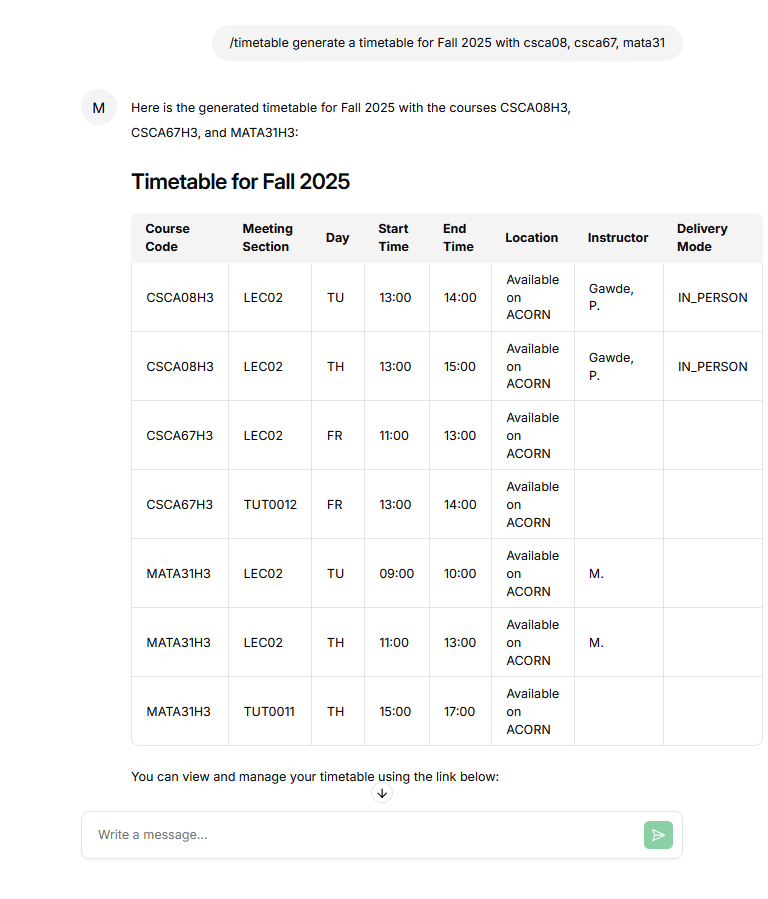
- Q&A mode:
-
Reformulate Query: The user’s raw query is passed through OpenAI to be rebuilt with context. In a multi-message conversation, previous messages add context to the most recent message.
-
Filter by namespace: Our vector indices are sorted into namespaces on Pinecone. These are essentially buckets for similar documents. We have namespaces for courses, offerings, programs, prerequisites, corequisites, and departments. This allows us to speed up vector searches by narrowing our search to the most relevant group of documents.
-
Build response: Given the last few messages in the conversation history and the retrieval results, another call is made to the LLM to write a response.
- Agentic mode: In this flow, tool calls are made by the agent. Results are returned and the agent can determine whether to make another tool call or return a response. This is implemented using Vercel’s AI SDK.
generateTimetable: tool({
    description:
        "Return a list of possible timetables based on provided courses and restrictions.",
    parameters: TimetableFormSchema,
    execute: async (args) => {
        return await availableFunctions.generateTimetable(
          args,
          req,
        );
    },
}),- Stream response: The AI SDK streams response data using Server-Sent Events (SSE), which sends data in chunks to avoid a long wait time. The response is rendered with full markdown capabilities as well as in-app hyperlinks.
const result = streamText({
    model: openai("gpt-4o-mini"),
    system: `System prompt ...`,
    messages,
    tools: {...},
    maxSteps: CHATBOT_TOOL_CALL_MAX_STEPS,
})
result.pipeDataStreamToResponse(res);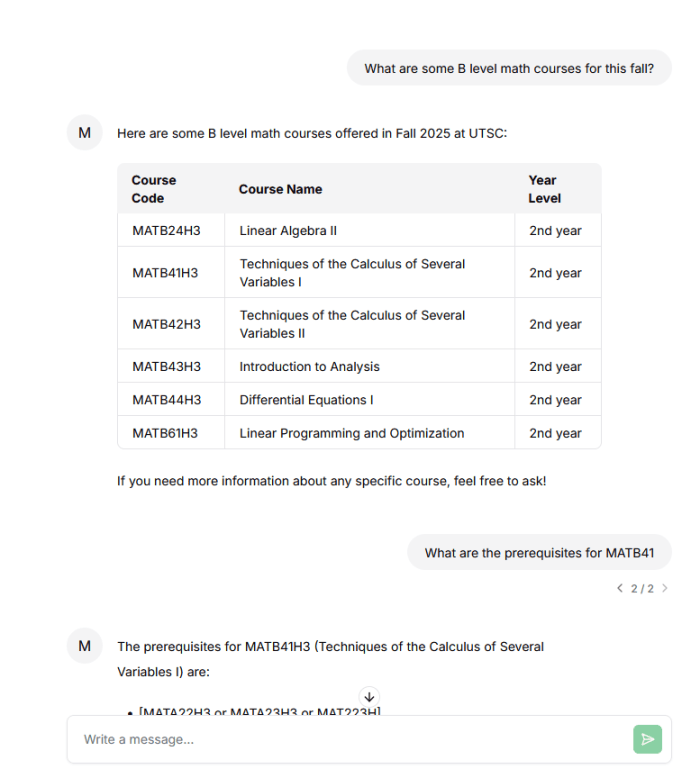
Data Extraction
Course data is scraped from the school’s course search site. Offering data is scraped from the school’s timetable archive, which is downloadable as PDFs. I wrote a script that extracts data from these sources using regex matching and PDF tooling in Python, namely pdfplumber.
Timetable Generation
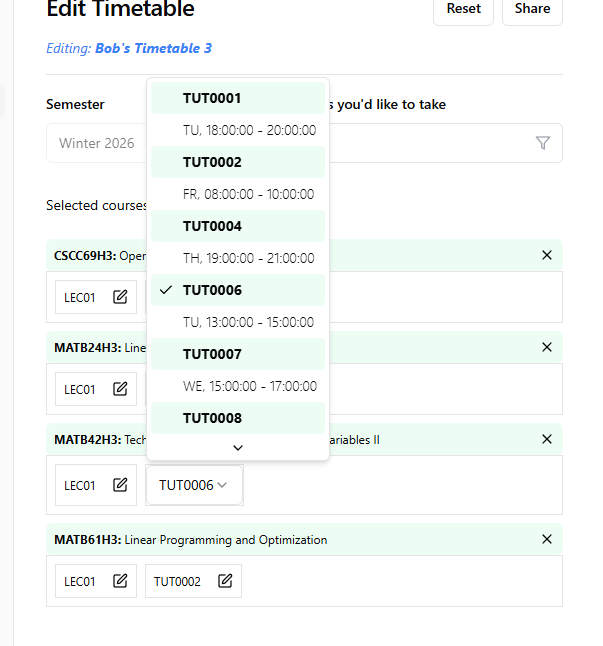
This uses a backtracking algorithm to output the top 10 timetables consisting of all selected course sessions and meeting all time restrictions. Restrictions include blocking off certain times, setting a maximum number of days per week, and more. Results are shuffled for better randomness (variation).
Other contributions I made
- Email notifications: Used a cron job and the Brevo email API to send opt-in notifications when a class is starting soon
- Timetable Diffing (comparison): Share and compare timetables with friends to align schedules side by side